Large jigsaw puzzles online: 1,000 pieces and more
Settle in with a big puzzle: 500, 1,000, 2,000 and up to 4,000 pieces, cut from real photos and artworks. It plays in your browser, with tools that keep a thousand loose pieces under control, and your progress is saved so you can finish over several days.
Start a 1,000-piece puzzle
Choose a size, then tap a picture. The puzzle starts straight away.

A colourful Jewel Bug spotted at Maharashtra Nature Park in India

Lake surrounded by forested mountains under a blue sky
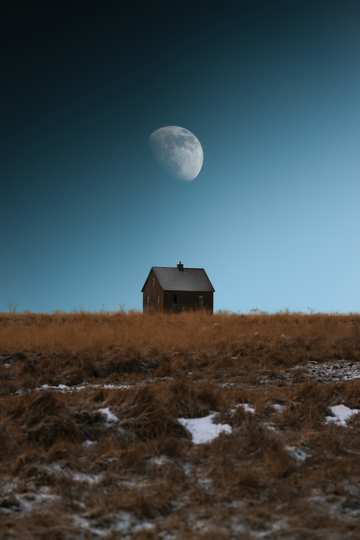
Small house under large moon
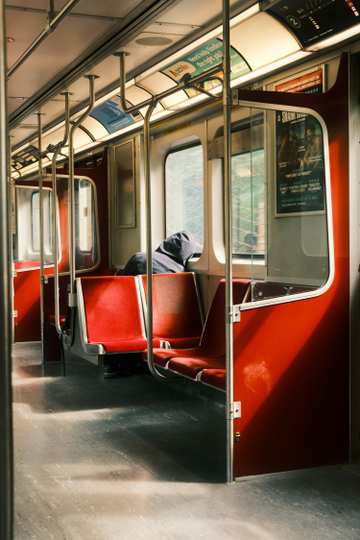
A train with red seats
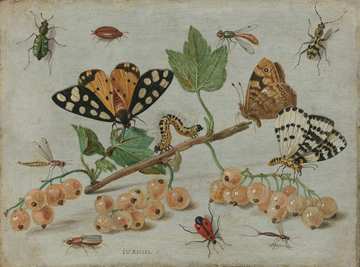
Title: Insects and Fruit. Institution:Rijksmuseum. Provider:…

SAVE TREES, SAVE THE MOTHER EARTH.
More pictures with plenty of detail:
You can also open any picture from a category, choose the cut and pick the number of pieces yourself.
Which size to choose
Times vary a lot with the picture and the player, so take these as a rough guide rather than a target.
- 500 pieces
- A good first big puzzle and a relaxed evening. Many players finish in an hour or two.
- 1,000 pieces
- The classic size for a jigsaw fan. Expect several hours, often over a few sittings.
- 2,000 to 4,000 pieces
- A long project to come back to over days. The Classic cut goes up to 3,000 and 4,000 pieces, and ZigZag up to 4,000.
Big sizes come in three cuts: Classic (up to 4,000 pieces, also in portrait, landscape and round outlines), ZigZag (up to 4,000) and Coral (up to 1,000). Other cut styles stop at smaller sizes. Compare all cut styles
Tools that make a big puzzle manageable
- Edges first. Show only the edge pieces (press E on a computer) and build the frame before anything else.
- Trays. Add a tray for each part of the picture, such as sky, trees or a building, and sort pieces into them to keep the table tidy.
- Gather. Pull all loose pieces back together where you can see them (press G).
- Zoom and pan. Zoom with the mouse wheel or a pinch and drag the table to move around. Press Z to switch between the whole table and a closer view.
- The picture as a guide. A faint copy of the picture sits under the pieces, and you can open the reference picture at any time to check where a colour belongs.
- Hints. Ask for a hint when you are stuck (press H on a computer).
- Rotation off by default. Pieces start the right way up. Turn rotation on in the settings for a harder solve.
- Saved as you go. Close the tab whenever you like and pick up where you left off. Signed in, your progress follows you to your other devices.
All the controls and keyboard shortcuts are explained in How to play.
Tips for solving a 1,000-piece puzzle
- Choose a picture with plenty of different colours and details. Large plain areas, like a clear sky, are the hardest part of a big puzzle.
- Build the border first, then work on one area of the picture at a time.
- Sort as you go: one tray per colour or object saves a lot of searching later.
- Leave the plain areas for last and match those pieces by the shape of their knobs and holes.
Free plays and Premium
Large puzzles cost nothing extra. As a guest you can start 5 puzzles a day, and with a free account 15. Premium removes the daily limit. See pricing
Share a big puzzle with friends
A thousand pieces go faster with company. In a co-op room up to 8 players work on the same board live, and guests can join without an account. Play with friends
Frequently asked questions
Can I play a 1000 piece jigsaw puzzle online for free?
Yes. Pick a picture, choose 1,000 pieces and play in your browser with no download. As a guest you can start 5 puzzles a day, with a free account 15, and Premium has no daily limit.
What is the largest puzzle on GoPuzzleGo?
4,000 pieces. The Classic cut goes up to 4,000 pieces in its portrait and landscape outlines, and the ZigZag cut also has a 4,000-piece version. Classic, ZigZag and Coral all offer 1,000 pieces.
Can I stop and finish a big puzzle later?
Yes. Your progress is saved as you play, so the puzzle opens where you left it. When you are signed in, it is also saved to your account, so you can carry on from another device.
How long does a 1000 piece puzzle take?
Usually several hours, spread over a few sittings. It depends on the picture and how you play: busy, colourful pictures go faster than large areas of sky or water.
Can I solve a big puzzle with friends?
Yes. Start a co-op room and share the link: up to 8 players work on the same board at once, and guests can join without an account.
Does a 1000 piece puzzle work on a phone?
It works on phones, tablets and computers, and you can pinch to zoom. The more pieces, the more a bigger screen helps, so a computer or tablet is the most comfortable for 1,000 pieces and up.